Published: 29 October 2026 | Updated: 29 October 2026
Quick summary (TL;DR): Opera WebAI is an opt-in preview in Opera One that lets websites and extensions run AI on your own computer instead of the cloud. It costs nothing per request, but it only reaches Opera users on supported PCs and Macs, so most sites still need a cloud fallback.
The problem
Every time a website summarises an article for you, translates a review, or suggests a reply, your text usually travels to a big company’s computers, gets processed there, and comes back. You are trusting that company with whatever you typed.
The website owner pays for every one of those trips. So small sites either skip the feature, or they charge you a subscription to cover it. And if the AI company raises its prices or changes its privacy rules, everyone downstream has to live with it.
Meanwhile, the laptop you are reading this on is probably powerful enough to do a lot of that work by itself. Until now, websites simply had no standard way to ask it to.
What we’re solving
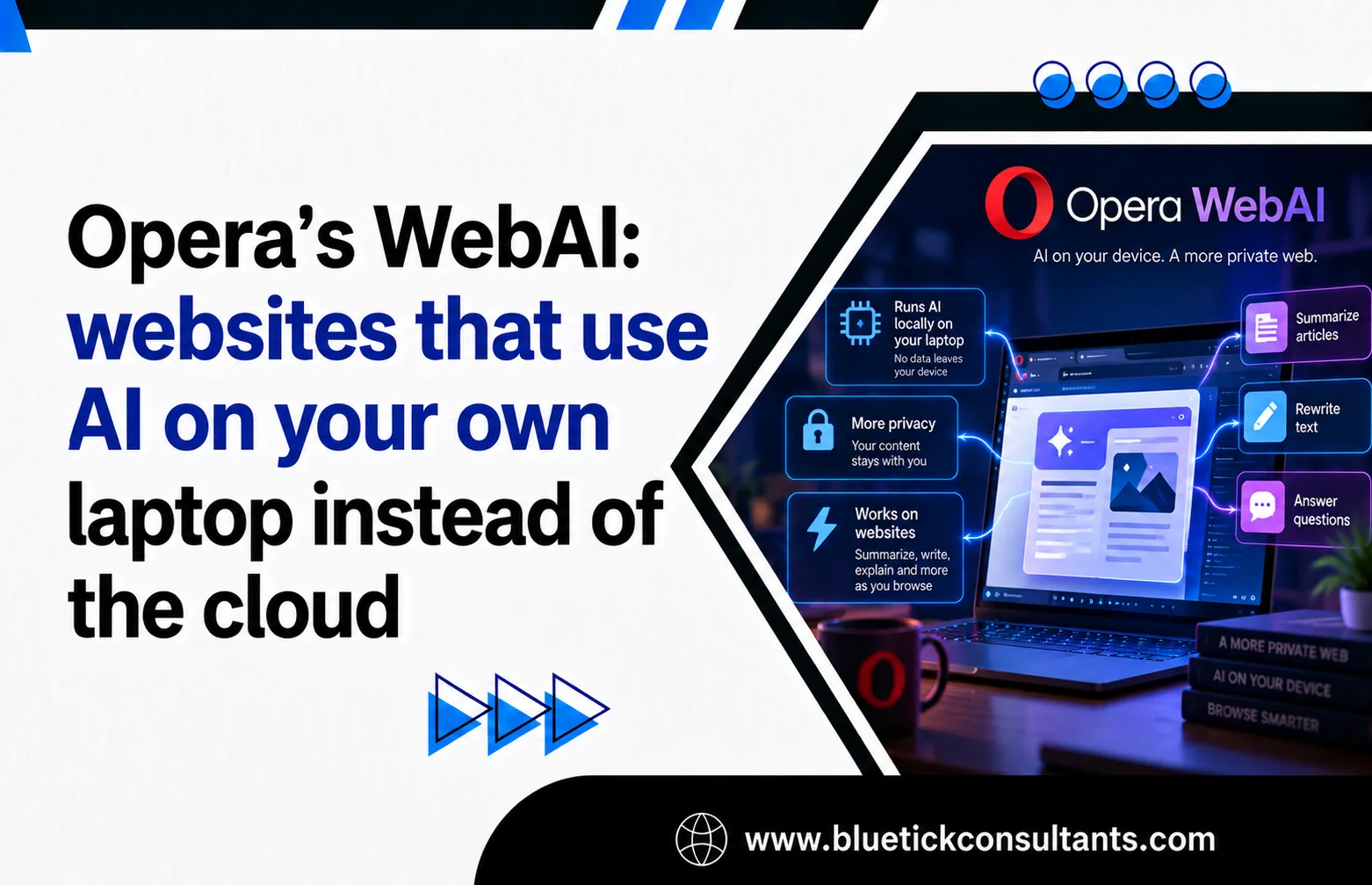
On October 27, 2026, Opera released an early preview of WebAI in its Opera One browser. It lets websites and browser extensions use an AI model that runs locally, meaning on your own computer, not on a server somewhere else.
- No subscription for you, no per-request bill for developers. Opera says sites can add AI features without running AI servers or paying for each request.
- Your text stays on your device while the local model processes it.
- More than one model. At launch it uses Google’s Gemma, an open-weight model (free to download, with published internals). On Apple silicon Macs it can also use Apple’s own on-device model.
- Eight building blocks for developers. Opera lists the Prompt, Decisions, Semantic Embedder, Summarizer, Writer, Rewriter, Translator, and Proofreader APIs (an API is a menu of commands a website can call).
- You stay in control. It is off by default. You switch it on in Settings, and each website must ask your permission before using the model.
Is it really a brand-new standard? Partly. Opera calls WebAI a proposed web standard, but several of its APIs, including Prompt, Summarizer, and Translator, already exist in Chrome and follow drafts from W3C and WICG groups (the bodies where browser makers agree on web features). What Opera adds is the idea of doing it without tying the web to one company’s model: Chrome uses Google’s Gemini Nano and requires developers to accept Google’s usage policy, while Opera plugs in open models and has no such policy.
What it does not solve:
- It only works in Opera One for now, on 64-bit Windows PCs with Intel or AMD chips and on Apple silicon Macs. Intel Macs, Linux, and Windows on Arm are not supported yet. Opera’s own announcements differ on when Opera GX and Opera Neon get it, so treat Opera One as the confirmed starting point.
- Everyone else needs a backup plan. Safari and Firefox users get nothing, so sites still need a cloud fallback or no AI feature at all.
- Local does not mean private by default. A website can still send the model’s answer to its own servers.
- Small models are less capable. They make more mistakes than big cloud models on long or complicated documents.
A real example
WebAI is one day old, so it has no named adopters yet. Opera has published six experimental extensions of its own, such as Project Lens, which colours an article’s paragraphs by how relevant they are to your project. The best documented real-world case uses the same family of built-in browser APIs in Chrome.
Policybazaar, India (built-in AI in Chrome, 2025)
- Who: Policybazaar, an Indian insurance marketplace with over 97 million registered customers.
- The problem: customers speak many Indian languages, and the support team is not online in the evenings.
- What they built: Finova AI, an insurance chatbot. The browser’s built-in Language Detector API spots which language you typed in, and the Translator API converts it to English and back on your device, while the answers themselves come from Policybazaar’s own server-side model.
- Why on-device: Google’s write-up says they picked it for lower delay and lower cost than doing the same work on a server.
- The numbers: 73% of people who opened the chatbot went on to have multi-question conversations lasting several minutes, and the new call-to-action button got twice the clicks of the old one. Policybazaar’s tech lead said a 1,000-character article translated into Hindi in about two seconds.
This is Chrome, not Opera. But the Translator API is one of the eight Opera now supports, so it shows the kind of feature WebAI is meant to make cheap for any website.
How Opera WebAI works (with code)
Think of it like a calculator built into your phone. Apps do not need to ship their own calculator; they just ask the phone’s one. WebAI does the same for AI inside the browser.
- You turn it on under Settings, Opera AI, “Enable Web AI API”. Opera then downloads a local model, which can take a few minutes.
- A website asks permission to use it. You say yes or no, per site.
- The website sends text to the browser, not to a server. The browser runs the model using your graphics chip where it can (through WebGPU) and falls back to the main processor otherwise.
- The answer comes back to the page. Speed depends on how powerful your computer is.
The example below flags clickbait headlines, one of the use cases Opera itself highlights. It uses the Prompt API’s LanguageModel commands, following the current syntax documented on MDN, so the same code targets both Opera’s WebAI and Chrome. There is no browser in our test environment, so we ran it in Node.js with a small stand-in that behaves like the browser’s model. The logic and output below are real; a real model would produce its own verdicts.
// Flag clickbait headlines with the browser's built-in, on-device model.
// Uses the Prompt API (LanguageModel), which Opera's WebAI and Chrome share.
async function checkHeadline(headline) {
  if (!("LanguageModel" in globalThis)) return "no local AI: use a fallback";

  const status = await LanguageModel.availability();
  if (status === "unavailable") return "model not supported on this device";

  const session = await LanguageModel.create({
    initialPrompts: [{
      role: "system",
      content: "Reply with one word: CLICKBAIT or OK.",
    }],
  });
  const verdict = await session.prompt(headline); // runs on this computer
  session.destroy();                              // free memory when done
  return verdict.trim();
}

const headlines = [
  "You won't BELIEVE what this laptop can do",
  "Opera adds local AI preview to Opera One",
];
for (const h of headlines) checkHeadline(h).then((v) => console.log(v, "-", h));
Output with a local model available:
CLICKBAIT - You won't BELIEVE what this laptop can do
OK - Opera adds local AI preview to Opera One
Output in a browser without local AI (for example Safari or Firefox):
no local AI: use a fallback - You won't BELIEVE what this laptop can do
no local AI: use a fallback - Opera adds local AI preview to Opera One
What the code is doing, in plain words:
- First it checks whether the browser has a local model at all. If not, it says so instead of crashing. That is your cue to use a cloud service or hide the feature.
- availability() asks whether this device can run the model. It can answer available, downloadable, downloading, or unavailable.
- create() starts a session and gives the model one standing instruction: answer with a single word.
- prompt() sends the headline to the model running on your machine and waits for the answer.
- destroy() closes the session so the model stops using memory.
- In a real browser, create() must follow a user action such as a click, and the user must have granted the site permission.
What it costs
All prices are in US dollars, checked on October 28, 2026. Cloud API rates are Google’s paid-tier Gemini prices as listed by MorphLLM’s tracker, which says it verified them against Google’s pricing page on October 25, 2026.
| Option | Upfront cost | Ongoing cost | Hidden costs | Best for |
|---|---|---|---|---|
| Do nothing (no AI features) | $0 | $0 | Visitors may go elsewhere for summaries or translation | Sites where AI adds little |
| Cloud AI API (e.g. Gemini 2.5 Flash-Lite) | Developer time to build a backend | $0.10 per million input tokens, $0.40 per million output | Servers, API keys, user text leaves the device, prices can change | Any site that must work in every browser |
| Bigger cloud model (Gemini 3.8 Flash) | Same as above | $0.75 in, $3.75 out per million tokens; doubles on Jan 1, 2027 | As above, plus a price rise already scheduled | Harder tasks where quality matters most |
| Opera WebAI (local) | $0 for users and developers | $0 per request | Opera One preview only; user must opt in and download a model; uses the visitor’s battery and hardware | Extensions and sites with many Opera users |
| Chrome built-in AI (Gemini Nano) | $0 | $0 per request | 4.27 GB model download; developers must accept Google’s usage policy; Chrome only | Sites whose visitors mostly use Chrome |
A worked example
Say your site summarises articles for 10,000 visitors a day. Assume each article is about 2,000 tokens in and the summary is about 200 tokens out (a token is roughly three-quarters of an English word; these sizes are our estimate).
- Gemini 2.5 Flash-Lite in the cloud: about $2.80 a day, or about $84 a month.
- Gemini 3.8 Flash in the cloud: about $22.50 a day, or about $675 a month. After the January 2027 price rise, about $1,350 a month.
- WebAI on the visitor’s laptop: $0 per summary. But only visitors on Opera One who switched it on get it, so you still pay the cloud bill for everyone else.
Who should care:
- Solo users: it is free. If you already use Opera One on a supported computer, try the preview; your laptop pays in battery, not money.
- Small teams and extension makers: the most direct win. A browser extension aimed at Opera users can ship AI features with no server bill at all.
- Large sites: treat it as a discount on part of your traffic, not a replacement for your cloud setup. Use local AI when it is there, and fall back to the cloud when it is not.
Pros and cons
Pros
- Free per request. No servers to run and no bill that grows with your traffic.
- Data stays local while the model works on it.
- Not locked to one AI company. Opera uses open models and Apple’s model, and has no vendor usage policy for developers.
- Same APIs as Chrome for Prompt, Summarizer, and Translator, so code written once can run in both.
- Opt-in and per-site permission. Nothing downloads until you switch it on, and you can switch it off any time.
- Good fit for small everyday jobs. Short jobs like sorting tabs, flagging clickbait, or spotting relevant job posts suit a small local model.
Cons
- Tiny reach for now. One browser, a preview, an opt-in switch, and only some computers.
- The standards fight is real. Mozilla said the Prompt API has severe negative consequences for the web’s interoperability, updatability, and neutrality. The W3C’s Technical Architecture Group also reviewed it and raised issues, while Apple’s WebKit team has given no public position. Opera’s model-neutral approach answers some of that, but not all.
- Same site, different answers. Different browsers run different models, so one website can behave differently depending on where you open it.
- Your hardware pays. Local models use memory and battery, and older laptops will be slower.
- Weaker on hard jobs. Small local models make more mistakes on long or complex documents.
- No IT admin controls yet. Opera picks the model, and companies cannot manage it centrally.
- Ownership questions. Tech Times notes Opera’s majority owner, Kunlun Tech, is based in Beijing and that no independent security audit of Opera or WebAI was found. Local processing limits what WebAI itself sends anywhere, but it does not change Opera’s wider data obligations.
Key takeaways
- Opera’s WebAI lets websites and extensions run AI on your own computer, with no subscription for you and no per-request bill for developers.
- It is an early, opt-in preview in Opera One on 64-bit Windows and Apple silicon Macs, using Gemma or Apple’s on-device model.
- Much of it builds on APIs Chrome already ships; Opera’s twist is open, swappable models and no single company’s usage rules.
- The strongest proof of the idea so far is Policybazaar’s multilingual chatbot built on Chrome’s built-in translation APIs.
- Local AI is free per request, but it only reaches some visitors, so most sites will still need a cloud fallback.
- Mozilla opposes the Prompt API and the W3C’s architecture group raised issues in its review, so whether this becomes a true web standard is still open.
Frequently Asked Questions
What is Opera WebAI?
Opera WebAI is a feature in Opera’s browsers that lets websites and extensions use an AI model running on your own computer instead of a cloud server. Opera released it as an opt-in early preview in Opera One on October 27, 2026, and calls it a proposed web standard.
Is Opera WebAI free?
Yes. There is no subscription for users and no per-request bill for developers, because the model runs on the visitor’s computer. The cost moves to your hardware instead: local AI uses memory and battery.
How do I turn on WebAI in Opera One?
Update Opera One, open Settings, go to Opera AI and switch on Enable Web AI API. Opera then downloads a local model, which can take a few minutes. Each website must still ask your permission before it can use the model.
Which computers can run Opera WebAI?
The preview runs on 64-bit Windows PCs with Intel or AMD processors and on Macs with Apple silicon. Intel-based Macs, Linux and Windows on Arm are not supported yet.
Does Opera WebAI work in Chrome, Safari or Firefox?
WebAI itself is Opera’s. Chrome has its own built-in AI using Google’s Gemini Nano, and both support the Prompt API, so the same code can run in either. Safari and Firefox offer no equivalent, so sites need a cloud fallback for those visitors.
Is Opera WebAI private?
Your text stays on your device while the local model processes it, and you choose which sites can use it. But local does not mean private by default: a website can still send the model’s answer to its own servers.
Should I build features on Opera WebAI today?
If you make browser extensions for Opera users, yes: you can ship AI features with no server bill. For a public website, use WebAI when it is available and fall back to a cloud AI service when it is not, because most visitors will not have it yet.