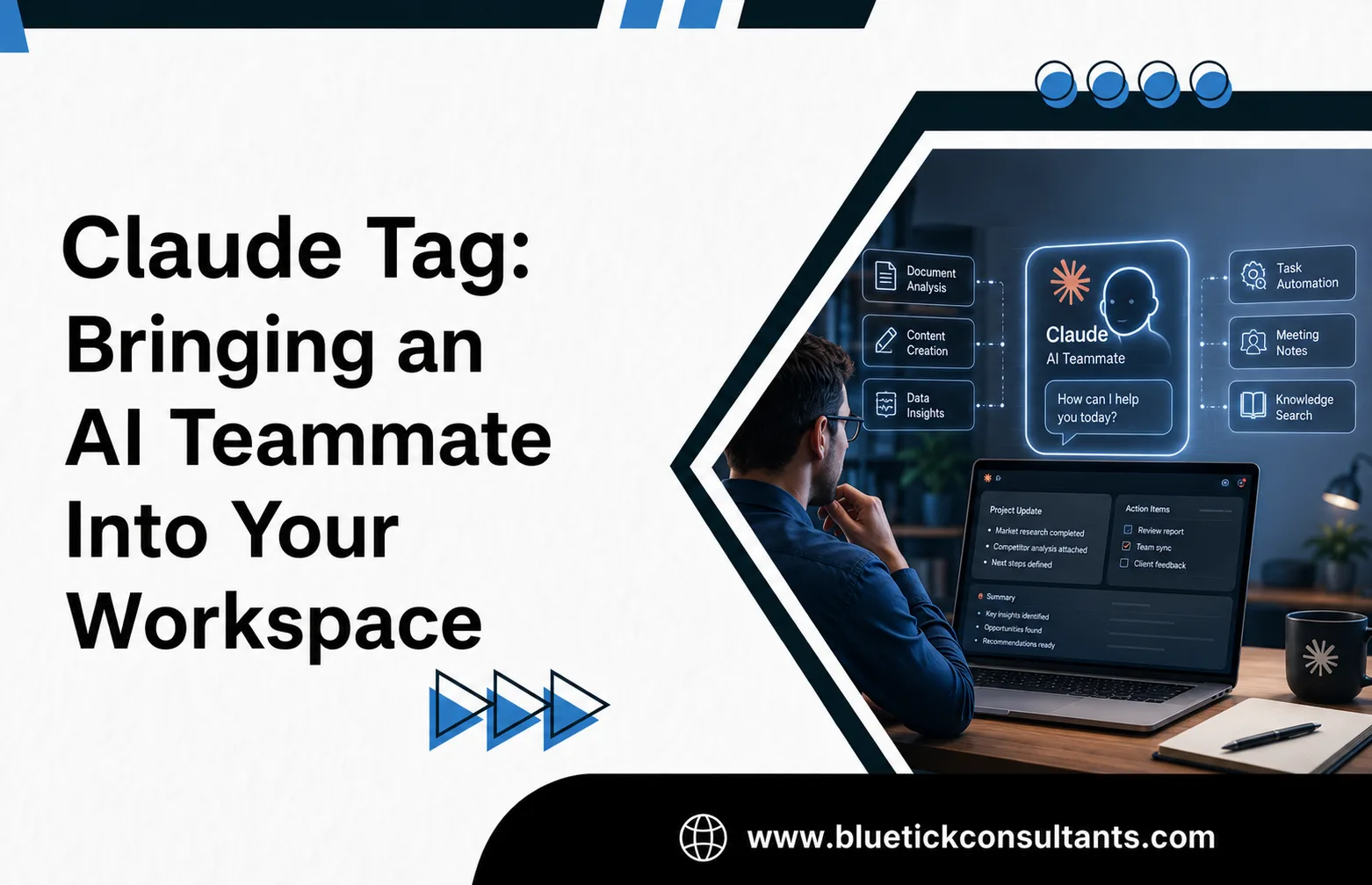
How tagging @Claude in Slack turns AI from a tool you visit into a colleague that pulls its weight
Most AI tools sit and wait. You open a tab, type a prompt, copy the answer back into your real work, and close it again. Claude Tag turns that model inside out. Instead of you going to the AI, the AI comes to where your team already works, and it starts pulling its weight like any other member of the team.
Here’s what Claude Tag is, why it matters, how your team can put it to work, where it’s heading, and the mistakes to steer clear of along the way.
What is Claude Tag?
Claude Tag is a new way for teams to work with Claude, and it starts in Slack. Rather than living in a separate app, Claude joins your workspace as a team member. An administrator grants it access to the channels, tools, data, and even codebases you choose, and from then on anyone in a channel can simply tag @Claude and hand off a task.
When you tag Claude with a request in plain language, it breaks the work into stages and works through them using the tools it has access to. Then it replies in the thread with what it produced: a drafted document, a data analysis, a merged pull request, or a step toward resolving an incident.
You can reach Claude through three surfaces:
- Channel tagging: tag @Claude in a channel and the whole team can follow along as it works in the thread.
- Direct messages: start a private conversation for work you’d rather keep out of a shared channel.
- AI assistant panel: open Claude from anywhere in Slack using the assistant icon.
Built on Claude Opus 4.8
Claude Tag is the next generation of Claude Code, made more proactive and built to work with a full team rather than a single person. It runs on Claude Opus 4.8, acts under its own identity, remembers the relevant context from the channels it’s in, and can follow up on its own. Anthropic reports that it has become one of the main ways its own teams get work done. In fact, 65% of its product team’s code now comes from an internal version. That pattern has spread beyond engineering, too, into chasing down product metrics, working through support tickets, and tracking tricky bugs. Slack’s leadership has described the change as making AI “multiplayer”: instead of a private back and forth in a DM, your assistant shows up in the open where the team already works.
If your organization already uses the Claude in Slack app, Claude Tag is a transition rather than a fresh install. It runs under the same Slack app, your existing setup keeps working, and administrators have a 30 day window to opt in. The older experience switches over to Claude Tag on August 3, 2026, so the move comes with a deadline attached. Eligible Team and Enterprise organizations also get an introductory launch credit so they can trial it.
What are the benefits?
What makes Claude Tag different from a normal chatbot is simple: it behaves more like a colleague than a tool. A few qualities stand out:
- It’s multiplayer. Within a channel there’s a single Claude that everyone shares. Because the whole exchange stays visible, a teammate can steer it mid-task or pick up exactly where someone else left off.
- It learns over time. As Claude follows a channel, it builds context about the work, so people don’t have to re-explain the basics on every request. With permission, it can also draw on knowledge from other channels and connected sources.
- It takes initiative. Turn on ambient behavior and Claude stops waiting to be asked. It flags relevant information from across its channels and tools, and follows up on threads or tasks that have gone quiet without being resolved.
- It works asynchronously. Hand it a task and get on with your day. Claude can schedule work for itself and pursue a project over hours or days, which means a team can delegate to many Claudes running in parallel.
- It’s governable. Administrators decide exactly which tools and data each channel’s Claude can reach, set hard spending limits for the organization and for individual channels, and review an audit log of every action and who requested it.
Putting Claude Tag to work day to day
The clearest way to understand Claude Tag is to picture it living in the channels your team already uses. A few examples:
HR operations. Drop Claude into an #hr-help channel connected to your policy documents and HR systems. Employees can ask about leave balances, benefits, or expense rules and get an instant, consistent answer instead of waiting on the HR team. Behind the scenes, Claude can draft job descriptions, summarize themes from exit-interview notes, or flag requisitions that have been sitting without approval. Because it remembers the channel’s context, the HR team isn’t re-explaining policy every week.
Onboarding. A new hire’s first days are full of small, repetitive questions. In an #onboarding channel, Claude can welcome each joiner, point them to the right setup guides and accounts, and answer the endless “where do I find this?” questions. With ambient behavior on, it can also nudge a manager when a checklist item has stalled or a first-week task is still incomplete. The new hire gets help on demand, and the people who would normally field those questions get their time back.
Beyond HR. The same pattern extends across the company. A support team can tag Claude to triage incoming tickets, a product team can ask it to chase down metrics, an engineering channel can have it investigate the root cause of a tricky bug or open a pull request, and a sales team can have it follow up on quiet deals. Each lives in its own channel with its own scoped access, so the sales Claude never touches engineering’s data and vice versa.
In every case the payoff is the same: routine, context-heavy work gets handled right where it happens, which frees your people to focus on the judgment calls that actually need them.
How this shapes the future of work
Claude Tag points to a real shift in how teams and AI work together. Three changes stand out.
First, the default interaction is flipping from “open an app and prompt” to “delegate to a teammate who’s already here.” When AI lives in the flow of work, using it stops being a separate task.
Second, work becomes parallel. If one person can hand off several tasks to several Claude’s at once and check back later, the bottleneck shifts. It moves from doing the work to directing and reviewing it. Orchestrating and quality-checking AI teammates becomes a core professional skill.
Third, institutional knowledge stops living only in people’s heads. A Claude that remembers a channel’s history becomes a kind of durable, shared memory: context that survives when individuals are busy, on leave, or move on.
The Battle for the Workplace
There’s a commercial story here too. Tools that behave like a “virtual employee” living inside a workspace are quickly becoming the battleground for enterprise AI, and Claude Tag is Anthropic’s bid to own that entry point in Slack before rivals do. For buyers, the real takeaway isn’t about any single vendor. It’s about a change in what “using AI at work” even means, from a tool that individuals open to shared infrastructure a whole organization plans around.
Anthropic has said it plans to bring Claude Tag well beyond Slack over time. If it gets there, an AI teammate that’s present, proactive, and accountable across every place a team works won’t feel like a product feature anymore. It’ll just be how work gets done.
Steps to avoid when using Claude Tag
A proactive AI in your workspace is powerful precisely because it has access and initiative, and that’s exactly why a few habits matter. Avoid these:
- Granting access too broadly. Scope each channel’s tools, data, and repositories to what that work actually needs. Use private channels to keep sensitive connections (legal, finance, HR) separate from everything else.
- Skipping spend limits. Claude Tag is consumption-based, so set an organization-wide cap and per-channel limits before a wide rollout, and watch the alerts that fire at 75% and 95% of a limit.
- Putting sensitive material in the wrong place. Memory is scoped to the channel, so be deliberate about where confidential conversations happen, and remember Claude won’t report out from private channels.
- Skipping governance. Review what Claude remembers, check the audit log of tasks and actions, and remember that only a Primary Owner or Owner should configure its access, not every admin.
- Letting it act on untrusted input. Claude reads the conversation around it and can follow instructions buried in those messages, so keep it to trusted channels and be deliberate about what external or unvetted content it can see.
- Treating its output as final. Claude drafts, analyzes, and proposes; a person should still review pull requests, data, and decisions before they ship.
- Confusing the billing surfaces. Tagging Claude in a channel is billed to the organization under its shared identity, while direct messages run on your personal Claude account. Worth knowing before people lean on one or the other.
Used well, Claude Tag isn’t a chatbot you visit. It’s a teammate you trust with the routine, so your people can spend their time where it actually counts.